Current Challenges

“Existing automotive HMI’s often suffer from visual overload, static app structures, interruptive notifications, and poor attention prioritizations increasing cognitive load and reducing driving focus.

Design Challenges

Design an adaptive infotainment system that enables safe multitasking, maintains visual calmness, reduces cognitive effort, and responds intelligently to driver context.

“User & Context”

Urban drivers who rely on navigation and media simultaneously, value technology-driven experiences, and expect seamless, premium in-vehicle interaction.

Steve

Daily Commuter Digital-first user Comfort & Efficiency
Steve

Steve represents the modern, tech-savvy driver who treats the vehicle as an extension of his digital ecosystem.

Behaviour

  • Uses navigation on most drives
  • Listens to music or podcasts while driving
  • Prefers minimal interaction while in motion

Needs

  • Fast access to essential controls
  • Contextual information without interruption
  • A calm, distraction-free interface

Pain points

  • Frequent app switching
  • Visual clutter on screen
  • Interruptive notifications
Typography & Color

Typography and colour palette

“Style”

“Layout Concepts”

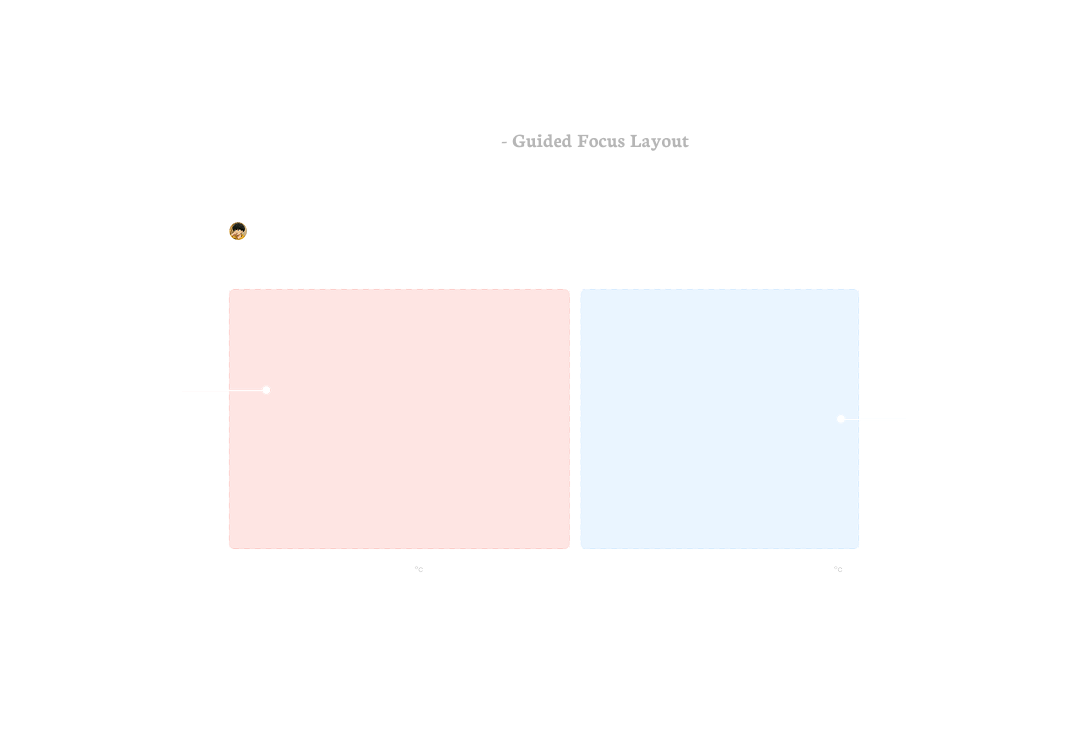
55 / 45 split — guided focus layout
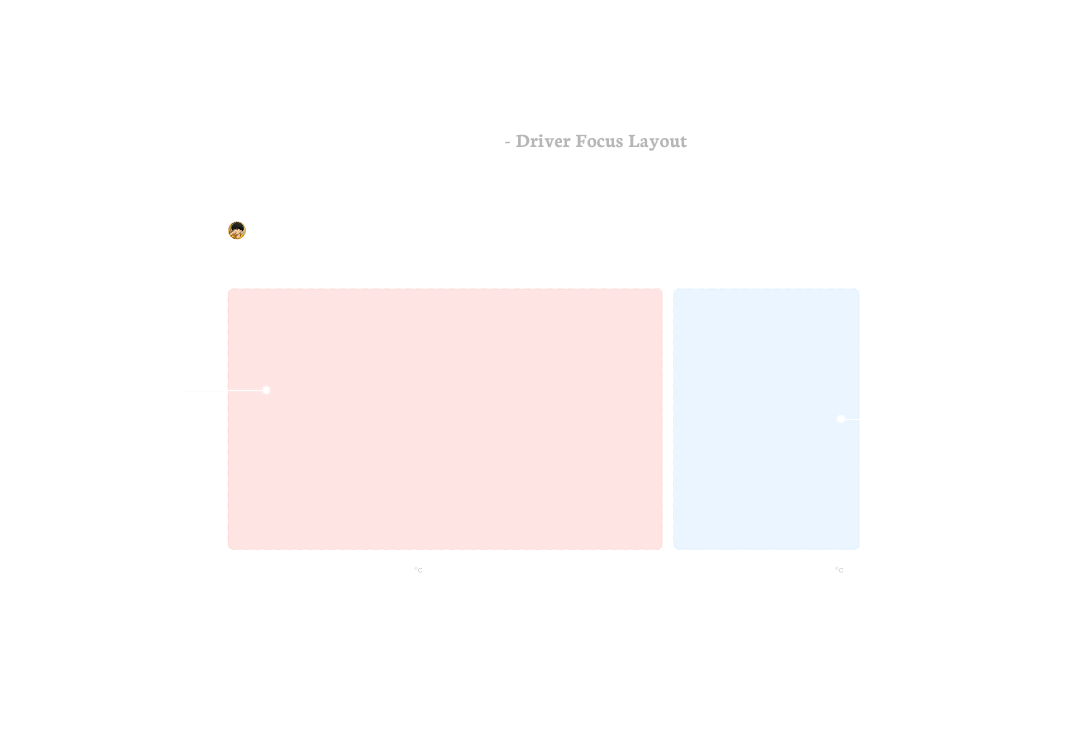
70 / 30 split — driver focus layout
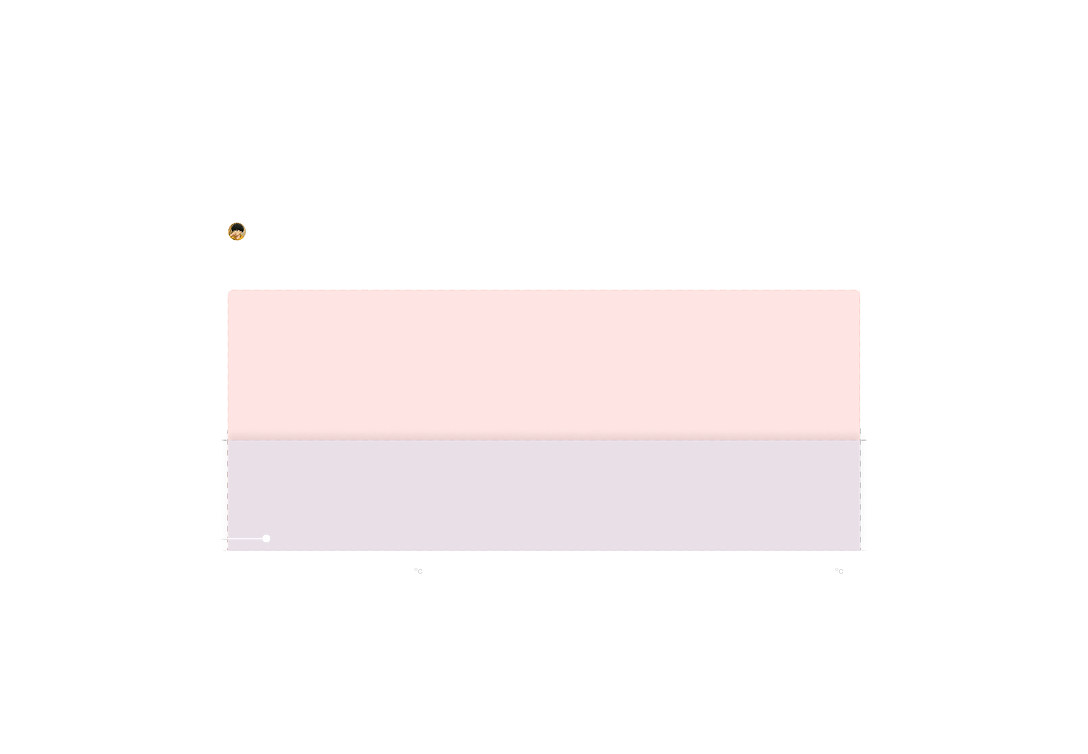
Half-screen overlay layout
Live notification layout

“UI Screens”

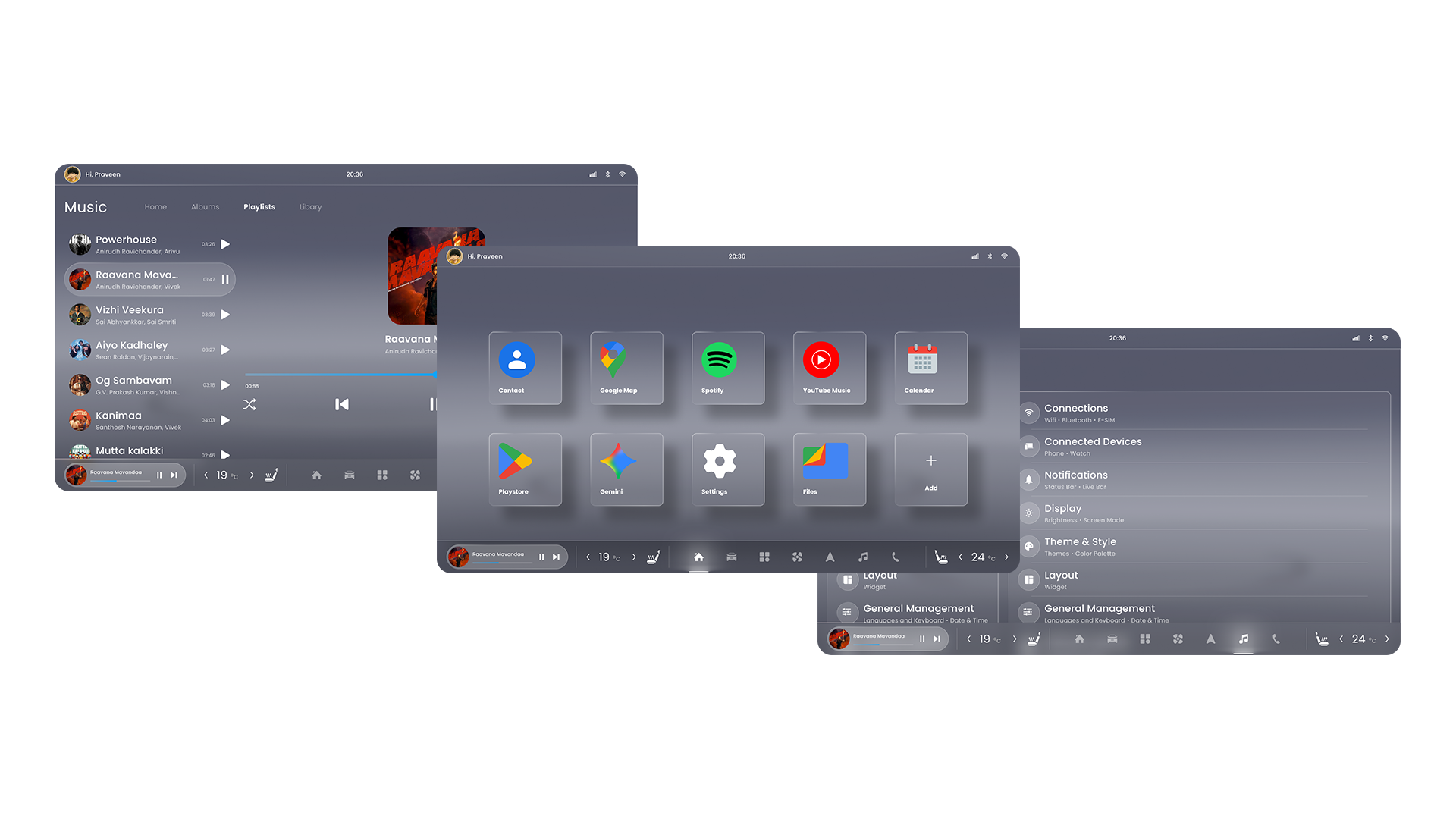
UI screens — music, apps and settings
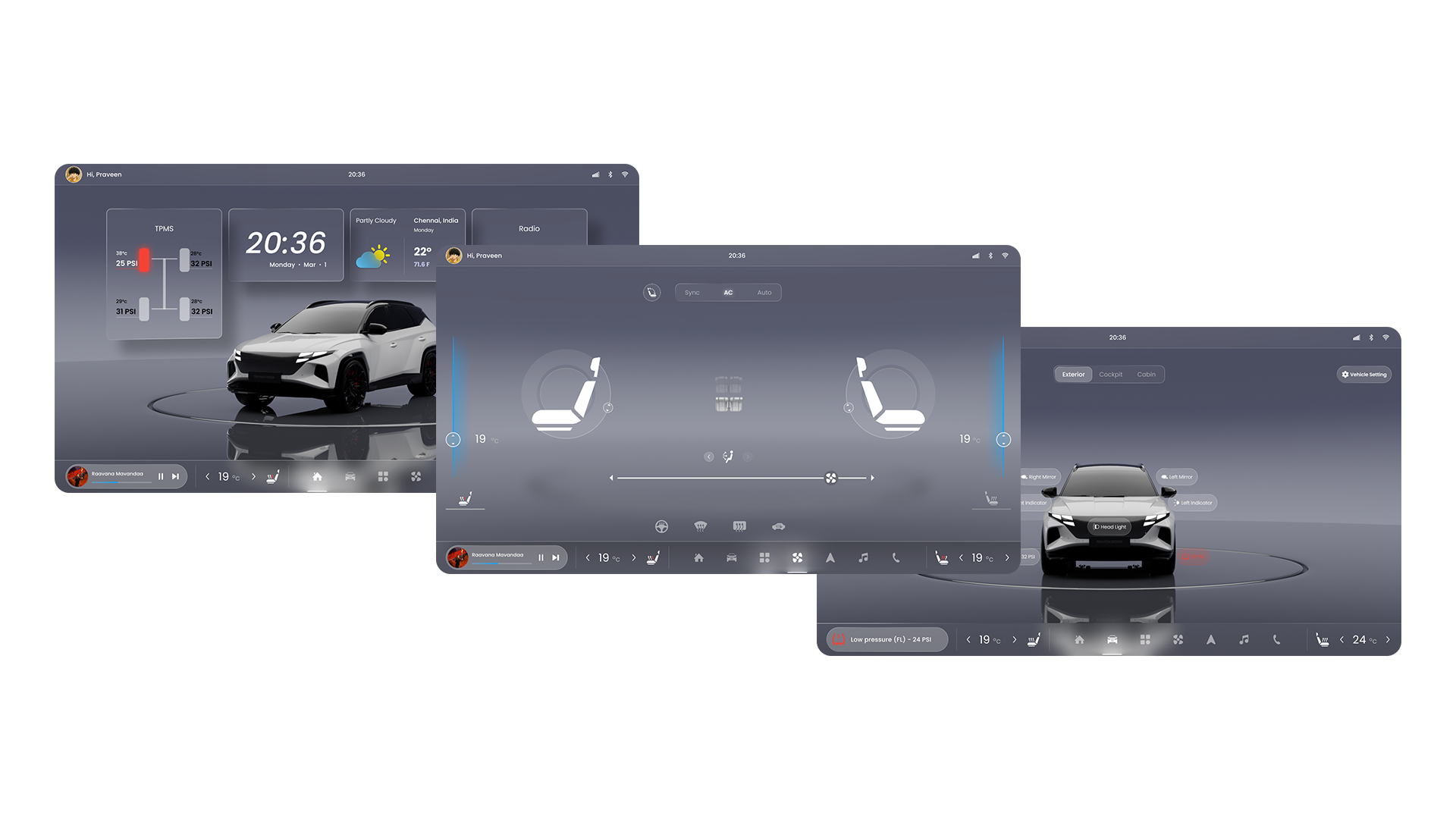
UI screens — home, seat and vehicle views

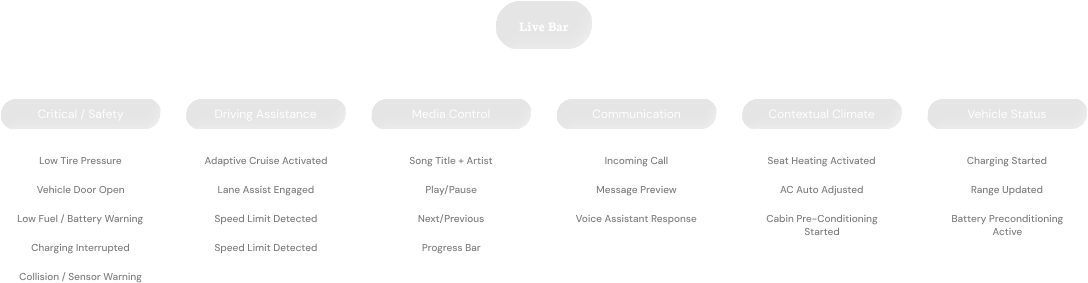
“Live Notification Bar”

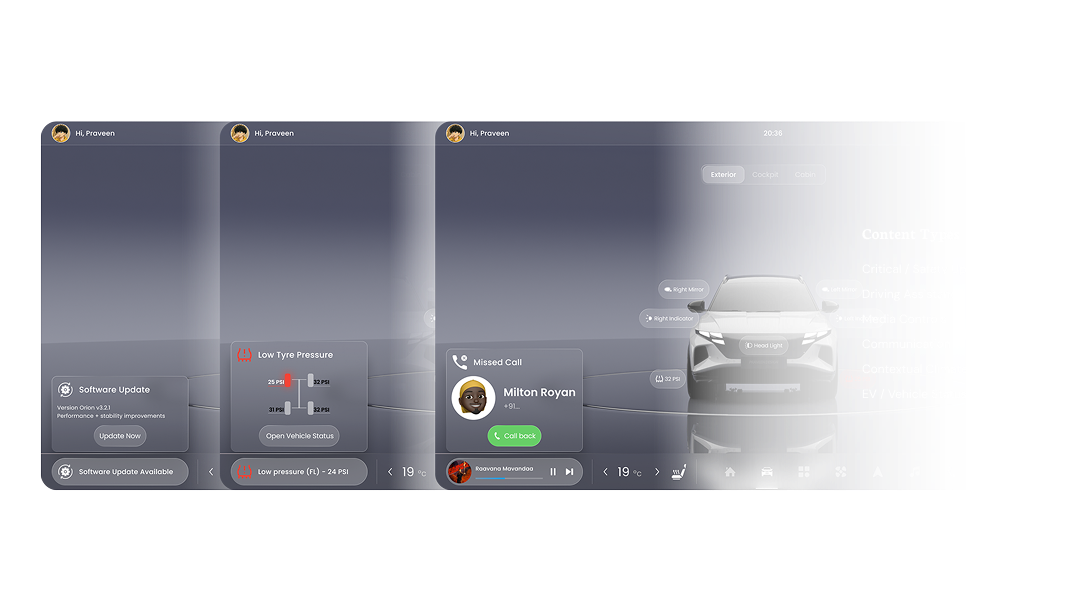
A persistent, non-intrusive information layer delivering real-time updates and quick actions without disrupting the primary driving experience.

Live notification bar content hierarchy
Live notification bar — software update, low tyre pressure and missed call states with content types

Half Screen Overlay Layout

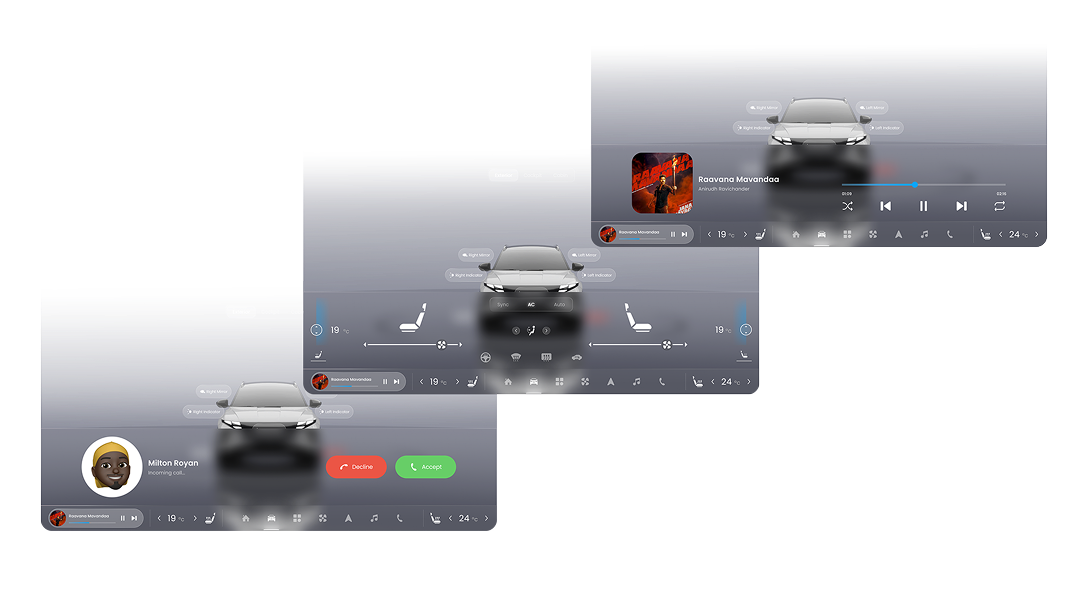
Half screen overlay layout — incoming call, climate controls and media player states

“Context Adaptive Interface”

Speed increases → navigation takes focus.

Speed decreases + interaction expands.

Highway Mode - Awareness Priority

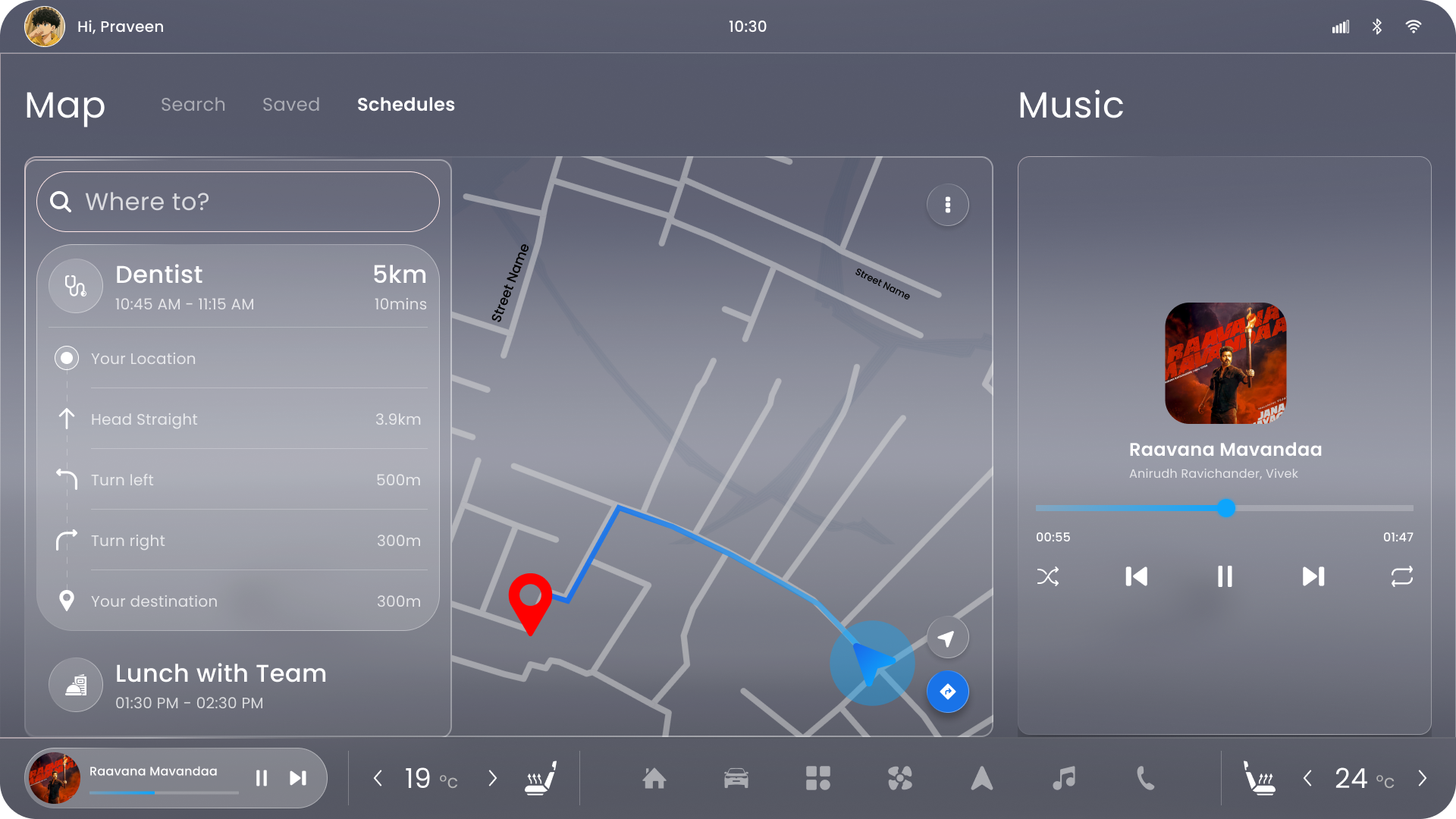
Priorities driving focus by maximising navigation clarity and reducing visual noise. Secondary content is intentionally minimised to support effortless, glanceable awareness during high-speed travel.

Scenario

Long-distance driving on highways where driver attention must stay on the road.

Main Content Area (Primary Focus)

Turn-by-turn navigation
Lane guidance / route overview
Speed and ETA information
Traffic alerts and road conditions

Secondary Content Area

Compact media controls
Minimal call notifications
Next schedule preview
Ambient vehicle status (battery, temperature)

Priority Logic

Speed ↑ → Navigation dominance

Highway mode interface
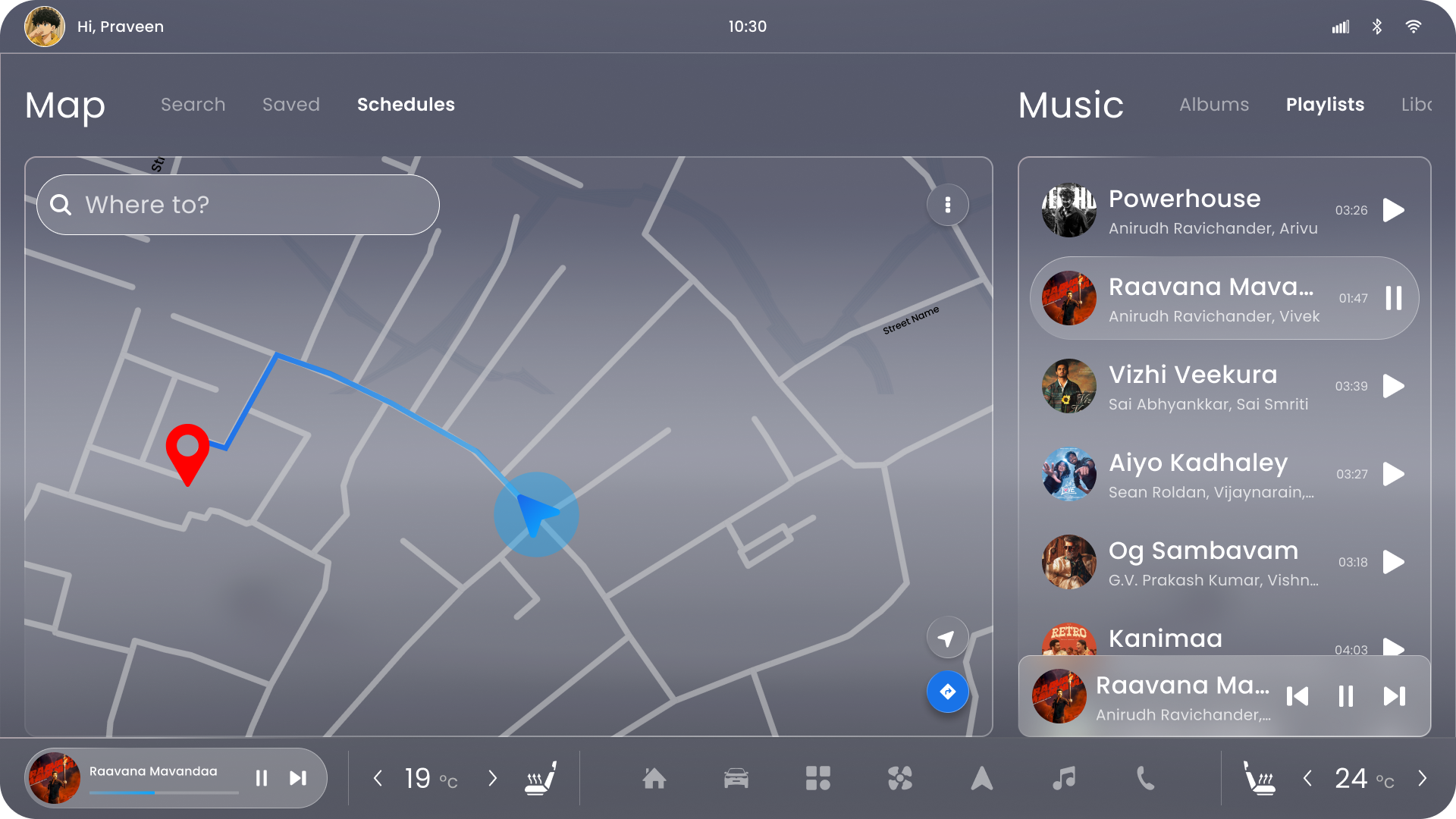
City mode interface

City Mode - Interaction Priority

Optimised for dynamic urban driving, balancing navigation with quick access to contextual controls and media. The interface increases information density while maintaining clear hierarchy for fast decision-making.

Scenario

Urban driving with frequent turns, traffic signals, and quick decisions.

Main Content Area (Primary Focus)

Navigation with nearby streets and intersections
Live traffic updates
Nearby points of interest
Route alternatives / rerouting prompts

Secondary Content Area

Expanded media controls or playlist
Quick actions (call, search, voice input)
Calendar reminders or upcoming stops
Contextual suggestions (parking, fuel, charging)

Priority Logic

Urban density ↑ → Interaction balance

Parking Mode - Precision Priority

Transitions from driving assistance to interaction. Vehicle controls and system personalisation become the primary focus, creating a calm, detail-oriented environment designed for stationary use.

Scenario

Vehicle stationary — driver shifts from driving to interaction.

Main Content Area (Primary Focus)

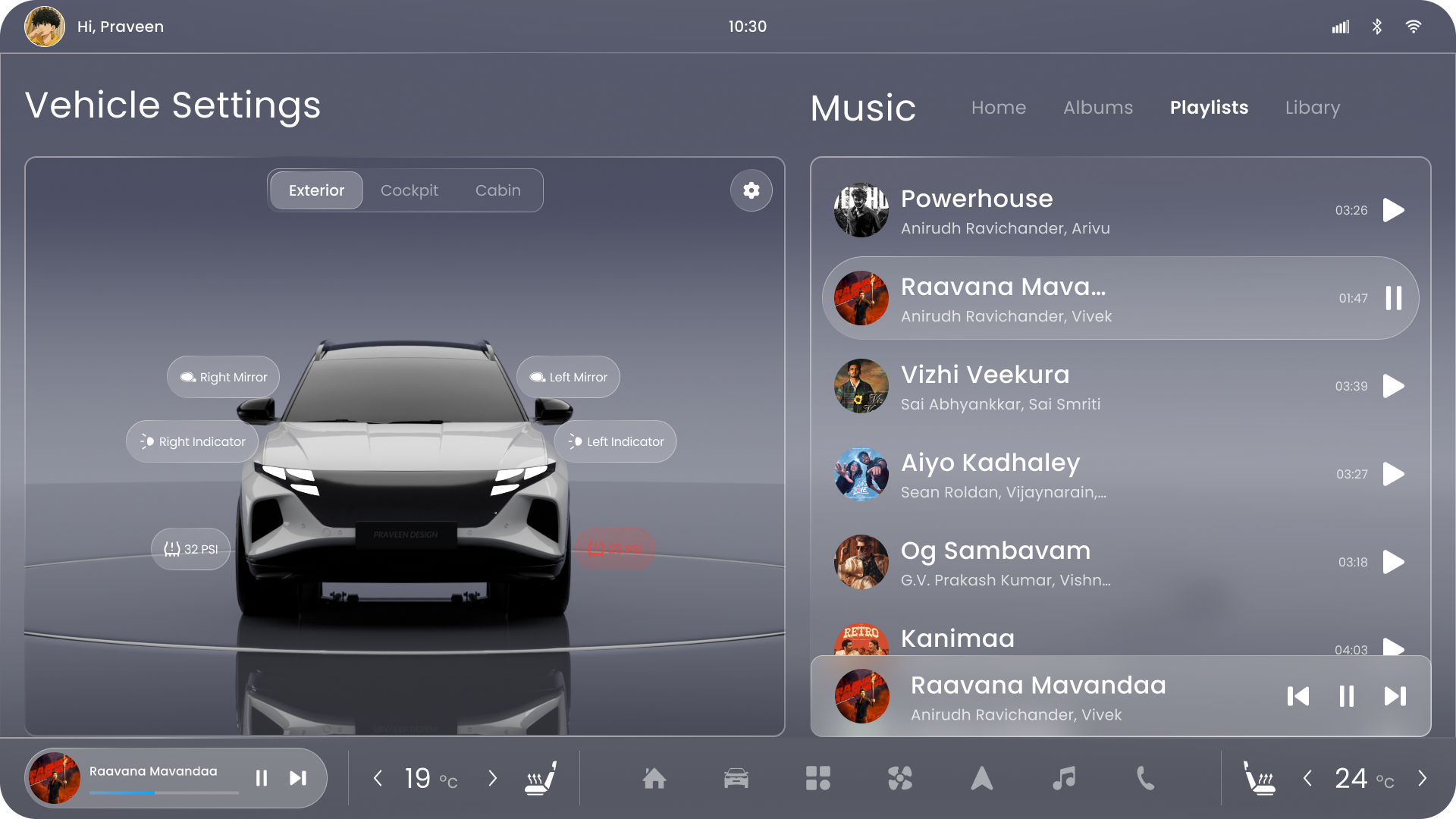
Vehicle settings and controls
Camera or vehicle status visualisation
Tire pressure / alerts
Cabin or comfort controls

Secondary Content Area

Media browsing / playlists
Calls and messages
Personalisation settings
Navigation overview (ambient only)

Priority Logic

Vehicle stationary → Control focus

Parking mode interface

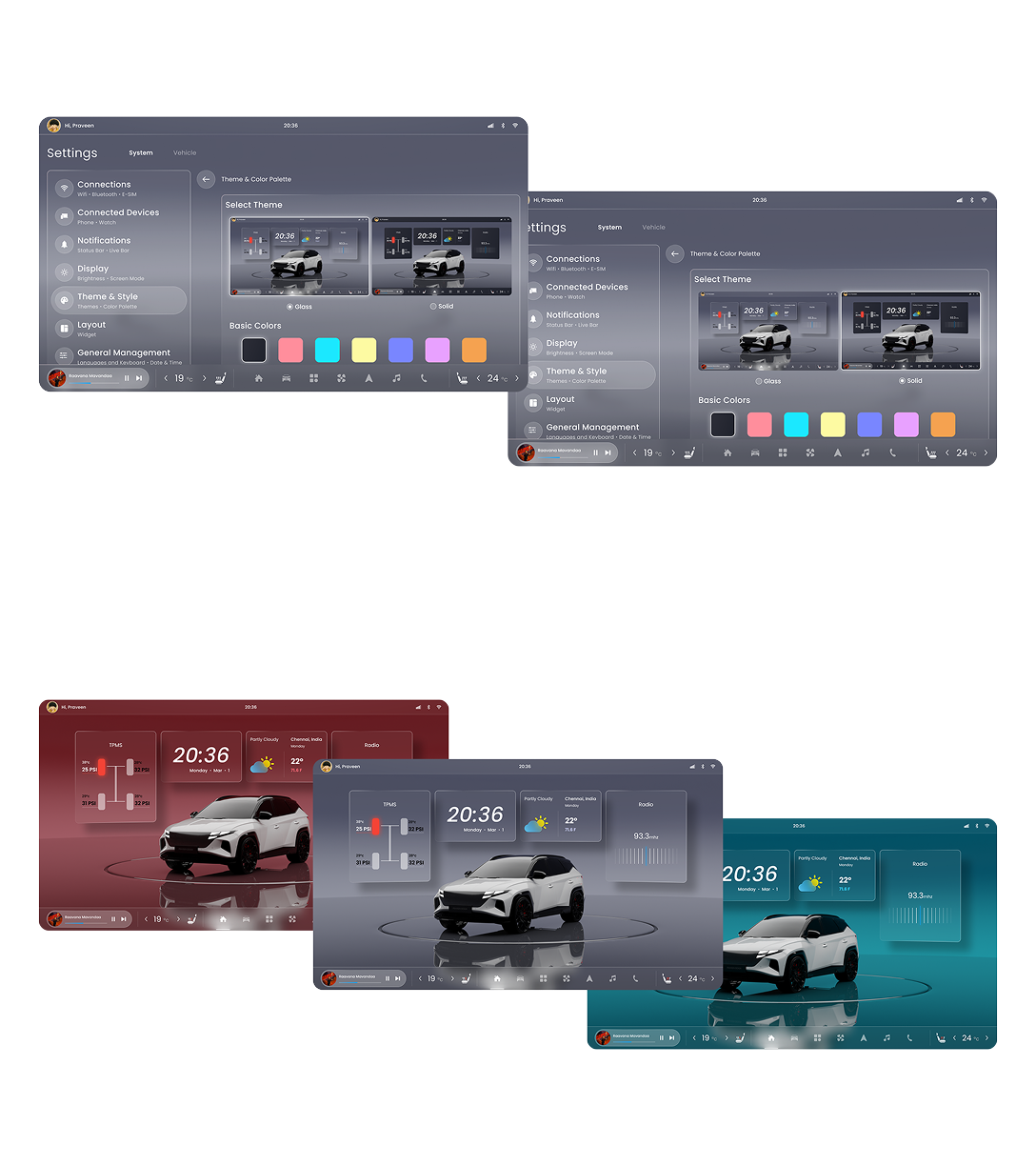
“Theme & Color palette”

Theme and colour palette — settings, glass and solid treatments, and theme variations

“Home Screen”

“HVAC”

“Vehicle Setting”

“Disclaimer”

The car 3D model and related images shown in this portfolio are used strictly for reference and presentation purposes only.
The 3D assets were downloaded from CGTrader and are not originally created.

This work is presented solely to demonstrate design, visualization, and UI/UX concepts.

Next Work
TOTO
TOTO
All Works(6)